Reference Assembly
Last updated:
| Product | Reference Assembly Mk I |
|---|---|
| Hardware rev | A |
| Author | ESci Engineering |
A reference example that exists only to demonstrate the build-guide format. There is no physical Reference Assembly Mk I. Use this as the canonical structural example when starting a new real guide.
Subframe prep
Section titled “Subframe prep”1. Mount the subframe in the fixture
Section titled “1. Mount the subframe in the fixture”Parts: 1× subframe blank.
Seat the subframe in the fixture with the registration pin against the left jaw. Tighten the fixture knob until the subframe no longer moves under thumb pressure.
2. Apply thread locker to all four standoff threads
Section titled “2. Apply thread locker to all four standoff threads”Parts: 4× M3 brass standoffs. Tools: small applicator brush, Loctite 243.
Apply one drop of Loctite 243 to the threaded end of each standoff. Wipe excess from outside the thread with a lint-free cloth before the next step.
Module integration
Section titled “Module integration”3. Place the sensor module on the subframe
Section titled “3. Place the sensor module on the subframe”Parts: 1× sensor module. Tools: anti-static wristband (worn from this step onwards).
Align the sensor module against the subframe’s two registration tabs — the connector faces away from the fixture knob. Hand-press until the standoff posts engage the module’s mounting holes.
4. Route and seat the ribbon cable
Section titled “4. Route and seat the ribbon cable”Parts: 1× 12-pin ribbon cable.
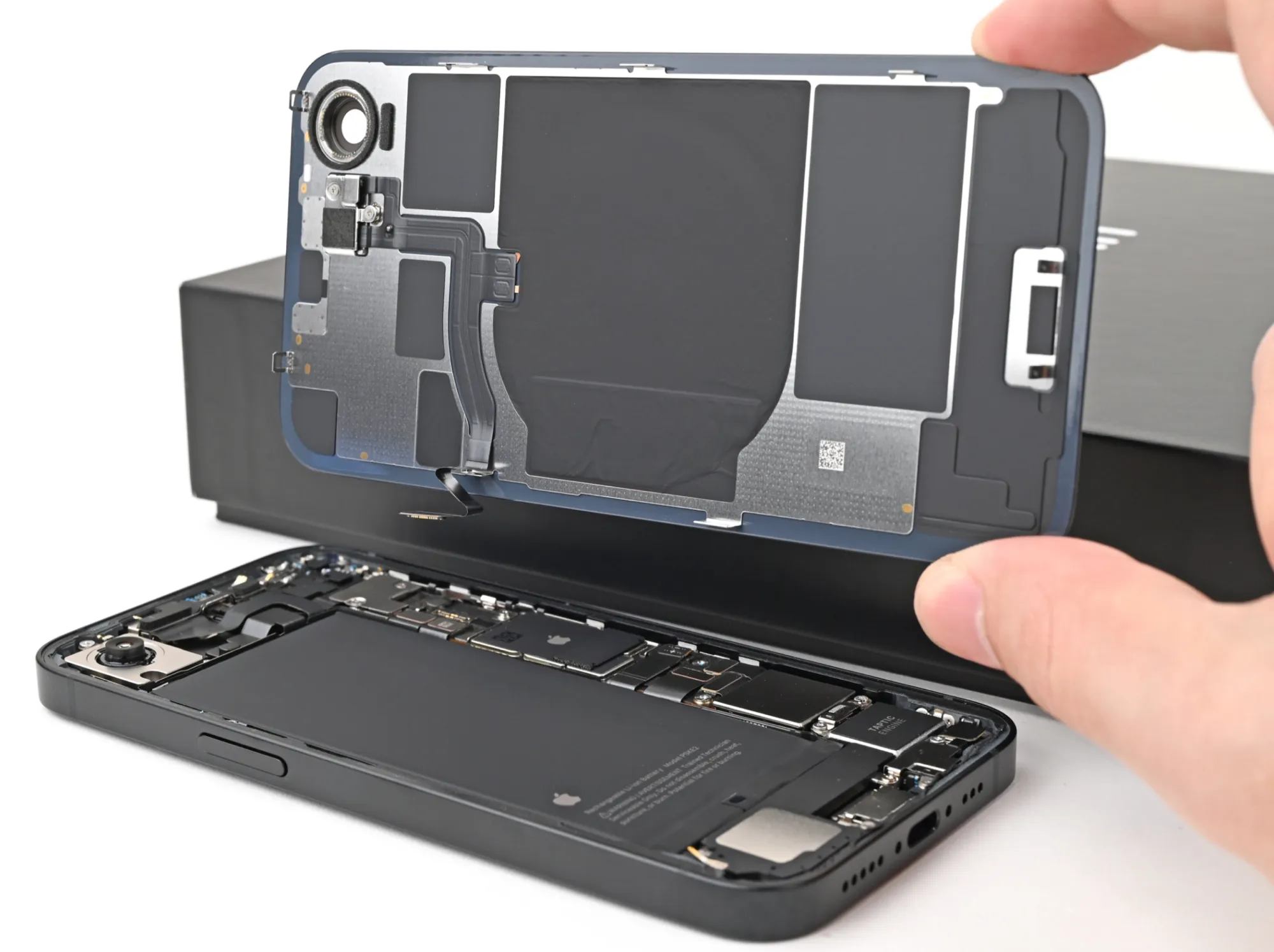
Insert the cable into the sensor module connector (1) until the latch clicks. Arc the cable around the corner stiffener (2) — bend radius must stay at or above 5 mm. Seat the free end in the main board’s BUS-IN socket (3); the connector is keyed and only seats in one orientation.
Closure and test
Section titled “Closure and test”5. Install the cover plate
Section titled “5. Install the cover plate”Parts: 1× cover plate, 4× M3×8 SHCS. Tools: 2.5 mm hex driver, torque wrench.
Place the cover plate on the standoffs, screws-first. Drive each screw to 0.4 N·m in a diagonal cross pattern (top-left, bottom-right, top-right, bottom-left).
6. Apply the serial label
Section titled “6. Apply the serial label”Parts: 1× pre-printed serial label.
Peel the serial label from the backing and apply it to the cover plate, centered between the two upper screw heads. Press firmly for five seconds to set the adhesive.
Verification
Section titled “Verification”- All four cover screws sit flush with the cover plate surface — no gap visible from any angle.
- The ribbon cable bend radius is at or above 5 mm at every point.
- The serial label is centered, flat, and legible.
- LED illuminates blue when power is applied; transitions to green within 3 seconds.